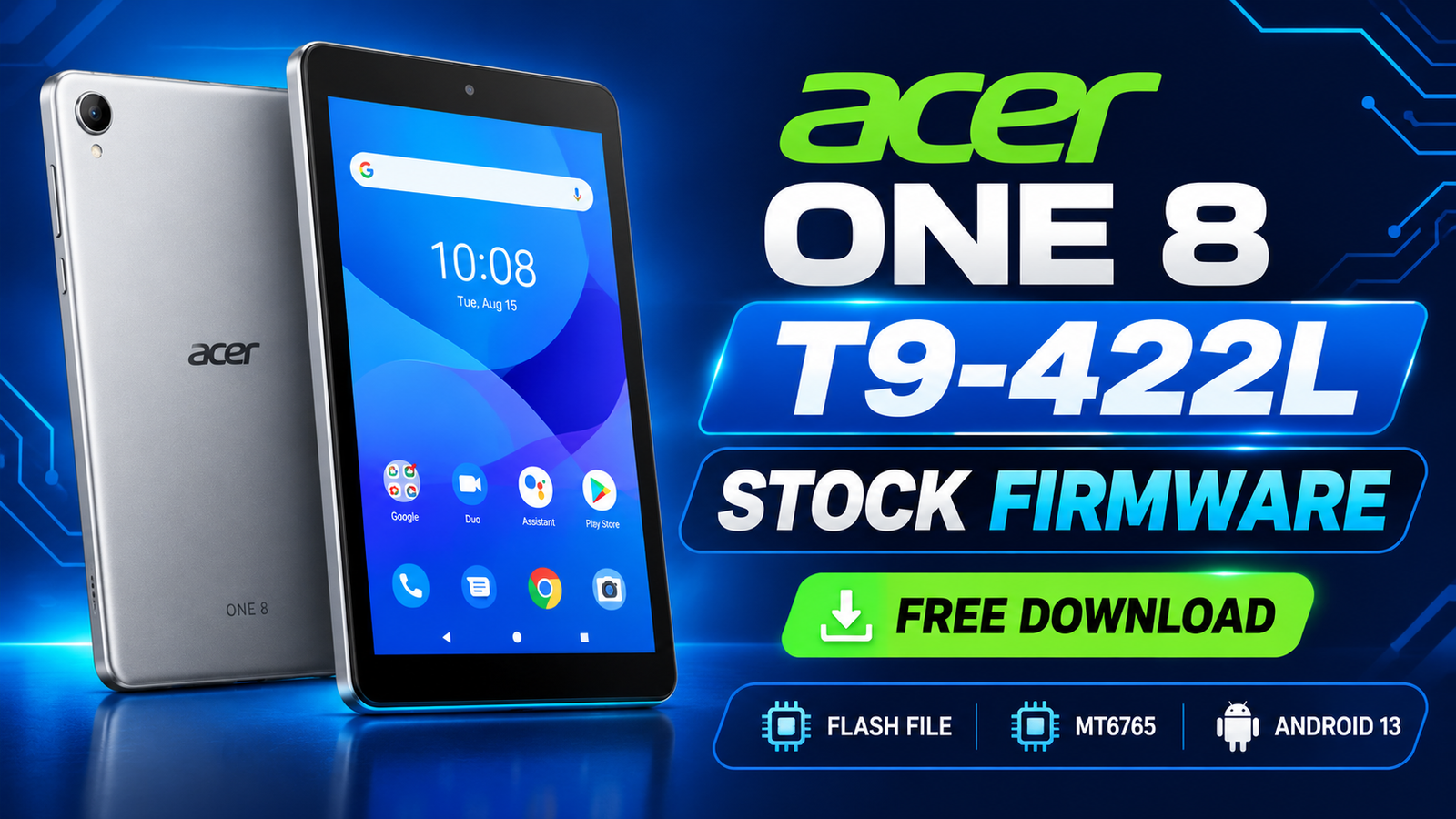
Looking for the Acer One T9-422L flash file? This page provides the official stock firmware for the Acer One T9-422L (MediaTek MT6765), along with the SP Flash Tool, USB drivers, and a complete flashing tutorial. Use it to fix boot loops, remove FRP locks, or restore your device to factory condition.
⚠️ Warning: Flashing firmware erases all data and carries risk. Confirm your exact model is T9-422L before proceeding. Incorrect firmware can brick your device.
Device Specifications
| Specification | Details |
|---|---|
| Device Name | Acer One T9-422L |
| Chipset | MediaTek Helio P35 (MT6765) |
| OS | Android 12 |
| Display | 8.7″ / 10.1″ (varies by region) |
| Firmware Type | Stock / Official |
| Flashing Tool | SP Flash Tool |
Firmware Download
Package 1 (Recommended)
-
File name: Acer_One_T9-422L_MT6765_22.09_050125.zip
-
Size: ~2.38 GB
-
Includes: Flash file, SP Flash Tool, USB driver, flashing tutorial
(Whatsapp Only +9131162822) Contact Me For Online Unlocking And Remote Service Fix All Software Related Problem
Package 2 (Alternative)
-
File name: Acer One T9-422L flash file
_MT6765_240717.zip -
Size: ~2.36 GB
-
Includes: Firmware + scatter file (SP Flash Tool required)
Note: Only download from trusted sources. Verify the file name and size match before flashing.
What’s Inside the Package
✅ Stock firmware (
.zip)✅ Scatter file (
.txt)✅ SP Flash Tool
✅ MediaTek USB VCOM drivers
✅ Step-by-step flashing guide
How to Flash Acer One T9-422L flash file (Step-by-Step)
Requirements
A Windows PC (7/8/10/11)
A USB data cable
Fully charged device (50%+)
SP Flash Tool installed
Steps
Back up your data — flashing wipes everything.
Extract the firmware
.zipto a folder on your PC.Install the MediaTek USB VCOM driver.
Open SP Flash Tool and load the scatter file from the extracted folder.
Power off your Acer One T9-422L completely.
Click Download in SP Flash Tool.
Connect the device via USB (it should be detected automatically).
Wait for the green “Download OK” message.
Disconnect and reboot the device.
First boot may take 5–10 minutes — this is normal.
Common Issues & Fixes
Problem Solution Device not detected Reinstall MTK USB driver; try another USB port/cable “BROM ERROR” in SP Flash Tool Use a different SP Flash Tool version; check scatter file Stuck on boot logo Re-flash firmware; perform factory reset from recovery FRP lock remains Use the FRP reset option in SP Flash Tool or a dedicated FRP tool
Frequently Asked Questions (FAQ)
Q: Is this firmware official?
A: Yes — it is the stock firmware for the Acer One T9-422L (MT6765).Q: Will flashing void my warranty?
A: Flashing stock firmware generally does not, but check Acer’s policy for your region.Q: Can I flash without a PC?
A: No — SP Flash Tool requires a Windows PC.Q: Does it work on other Acer models?
A: No. Use it only on the T9-422L. Other models need different firmware.
Related Firmware & Guides
Acer One 8 T9-422L firmware
MediaTek MT6765 stock ROM collection
How to install MTK USB drivers
SP Flash Tool latest version
Disclaimer
This Acer One T9-422L flash file firmware is provided for repair and restoration purposes. Flash at your own risk. We are not responsible for any damage to your device. Always back up your data first.